How to Size a Leased Copier for Your Office Print Volume
Use meter readings, busy-period demand, scanning requirements, and paper handling to choose an appropriately sized leased copier or printer.
By JR Copier · Maine office equipment guides
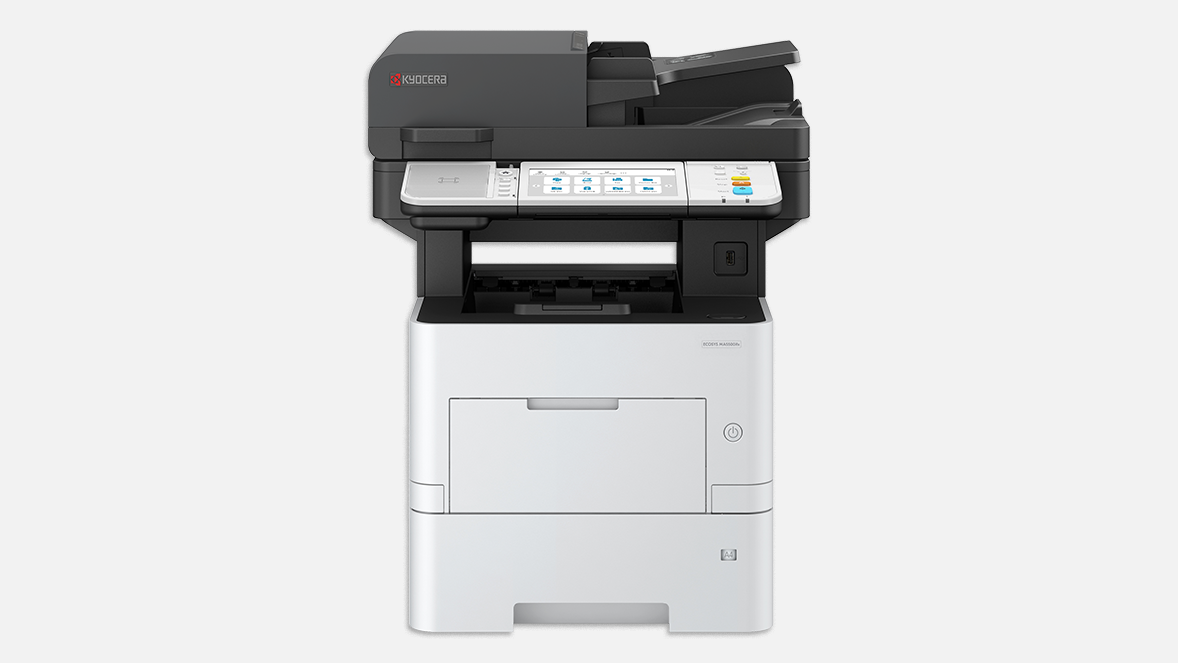
An office can outgrow a printer without producing a huge monthly total. A single deadline, shared queue, or scanning bottleneck may expose limitations that an average hides. Before choosing leased copier equipment, gather both the volume of work and the way it arrives. This helps distinguish a device that is simply fast from one that actually fits your staff, documents, and premises.
Measure output over representative periods
Record beginning and ending meter readings for recent periods and separate color from black-and-white impressions if your device reports them. Include busy periods rather than relying on one unusually quiet month. Meter readings describe output more reliably than memory, but you still need to understand what caused the peaks.
Ask departments about recurring reports, enrollment packets, invoicing, or seasonal activity. Note jobs sent elsewhere because the current machine cannot handle them. Those documents are part of the real requirement even though they do not appear on the current copier meter.
Do not confuse duty cycle with recommended volume
A manufacturer’s maximum monthly duty cycle is not a recommendation to operate at that level every month. Look for the recommended monthly volume for the exact model and discuss how your normal and peak workloads compare. If a recommendation is not supplied, ask rather than substituting the maximum figure.
Pages per minute describes rated print speed under specified conditions. It does not account for every warm-up, file-processing delay, finishing task, or queue of users. Consider whether a shared machine needs room for simultaneous demand rather than choosing solely by a specification-sheet headline.
Count scanning and handling work too
A team that digitizes large paper files needs a suitable document feeder and scanning workflow, even if printed output is modest. Test double-sided originals, mixed document sizes, and the required destination. Confirm any software or licensing needed for searchable files or advanced routing.
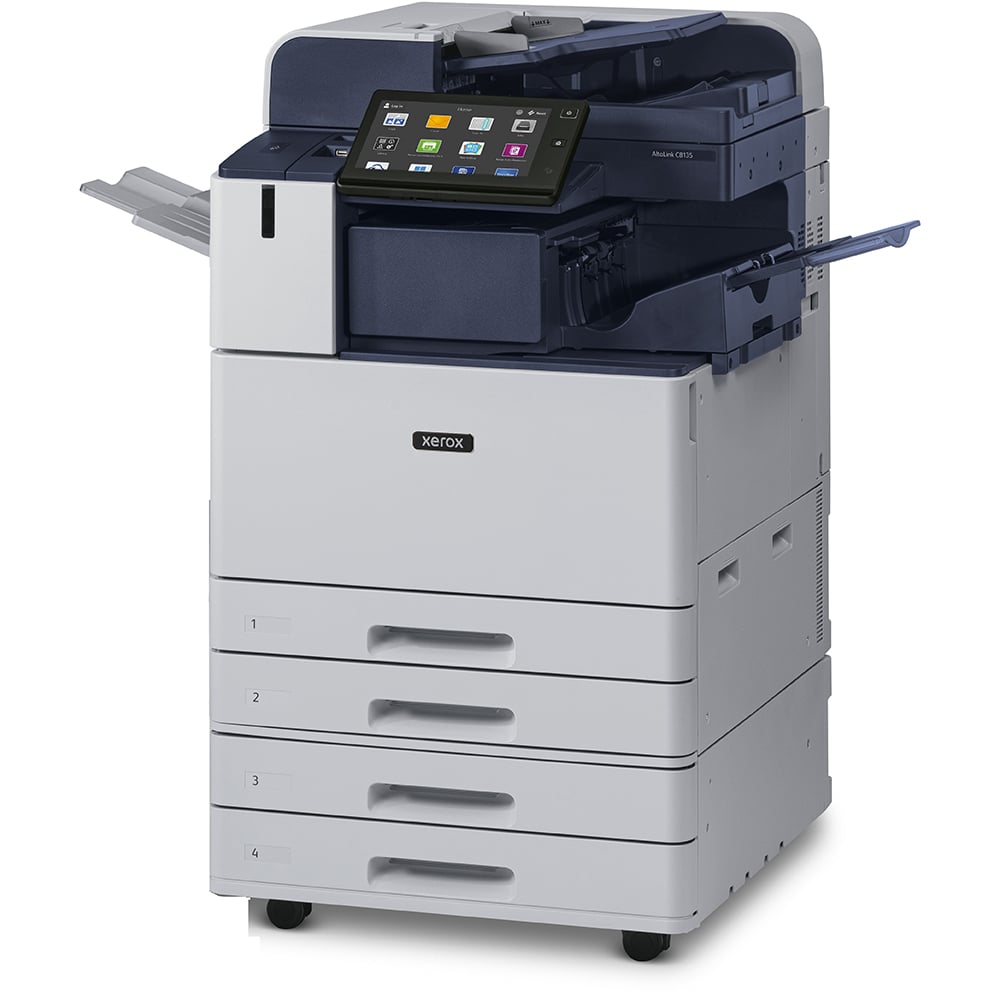
Record paper sizes, tray requirements, and finishing tasks. A machine that handles ordinary letters well may not suit recurring oversize sheets or heavy media. Use the office equipment catalog to explore options, then confirm exact configurations instead of assuming every pictured accessory is standard.
Translate the workload into a lease brief
Send your usage history, workflow notes, and realistic growth expectations with the quote request. Explain whether a single shared copier or several smaller devices would better serve the space. More equipment can provide distribution, but it can also add supplies and administration.
Review the proposed print allowance alongside the machine recommendation. Our lease cost guide helps separate capacity from billing. If demand is a temporary spike rather than permanent growth, explore rental equipment before committing to a larger long-term configuration. Reassess the brief when staffing, documents, or premises change.
Discuss your leasing requirements
Share your equipment needs, Maine location, and timing. Confirm pricing, availability, and service terms in your written proposal.
Explore copier & printer leasing