An Office Printer and Copier Buying Checklist
Build a practical buying brief for office printers and copiers: document needs, volume, security, media handling, installation, and service.
By JR Copier · Maine office equipment guides
A useful copier purchase starts with a clear description of the work, not a preferred badge or a long feature list. Maine businesses comparing office copier and printer sales can save time by giving each supplier the same requirements. The aim is to identify equipment that handles routine jobs comfortably, supports the occasional demanding task, and fits the people who will operate it.
Build a document inventory
Bring samples of ordinary output and the jobs your current machine struggles with. Include reports, invoices, color handouts, envelopes, and documents that need scanning. List required paper sizes and whether finishing such as stapling is essential or merely convenient.
Gather recent output readings and note shared-use peaks. Separate color requirements from the need to scan in color: a monochrome printer may still have a color scanner, depending on the model. The color versus monochrome guide helps make that distinction before you narrow the shortlist.
Check the complete configuration
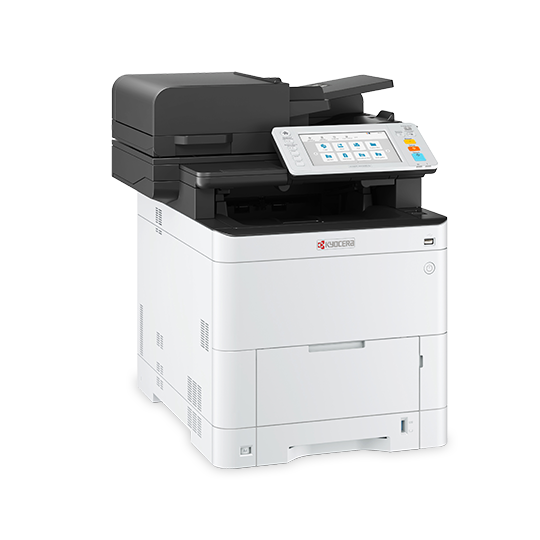
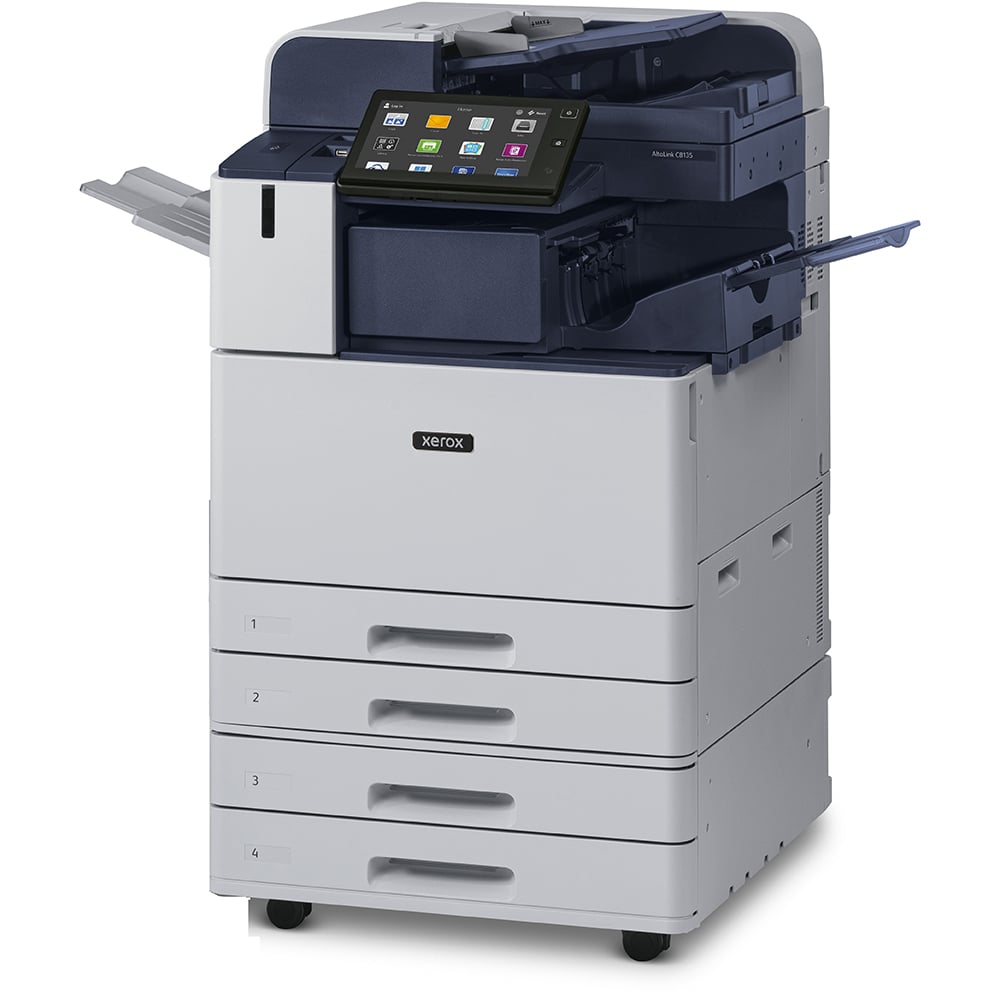
Confirm the exact model and accessories in the quote. A product photograph can show optional trays or finishing equipment, so use the written configuration as the authority. Ask about recommended monthly volume, supported media, and available expansion if your workload changes.
Measure the intended space, including clearance needed for service and paper loading. Check access through doors and corridors, the suitable power supply, and network connection. A compact footprint does not always mean that the machine can be operated or maintained in a tight corner.
Evaluate workflow and security
Test common tasks rather than only watching a demonstration page print. Have a staff member scan a typical packet, recover a held job, and switch paper sources. Confirm compatibility with your actual computers and applications, especially if a line-of-business system produces specialized forms.
Discuss administrator access, firmware maintenance, secure print release where supported, and treatment of stored documents. If the office handles sensitive records, ask your IT adviser to review the configuration. Security depends on setup and ongoing management, not simply on selecting a model with security features listed.
Buy with an operating plan
Ask what delivery, installation, user orientation, warranty, and service arrangements are included. Keep supplies and maintenance costs visible alongside the purchase price. Our total cost of ownership guide provides a framework for comparing those ongoing responsibilities.
Before placing an order, document acceptance checks and who will handle setup at your office. Then use the installation preparation checklist to avoid preventable delays. JR Copier can review your requirements and quote suitable equipment; model availability, configuration, and charges should be confirmed in the proposal.
- Document samples and usage history
- Required paper sizes and finishing
- IT, security, and scanning requirements
- Delivery access and installation responsibilities
- Supply and service cost assumptions
Discuss your sales requirements
Share your equipment needs, Maine location, and timing. Confirm pricing, availability, and service terms in your written proposal.
Explore copier & printer sales