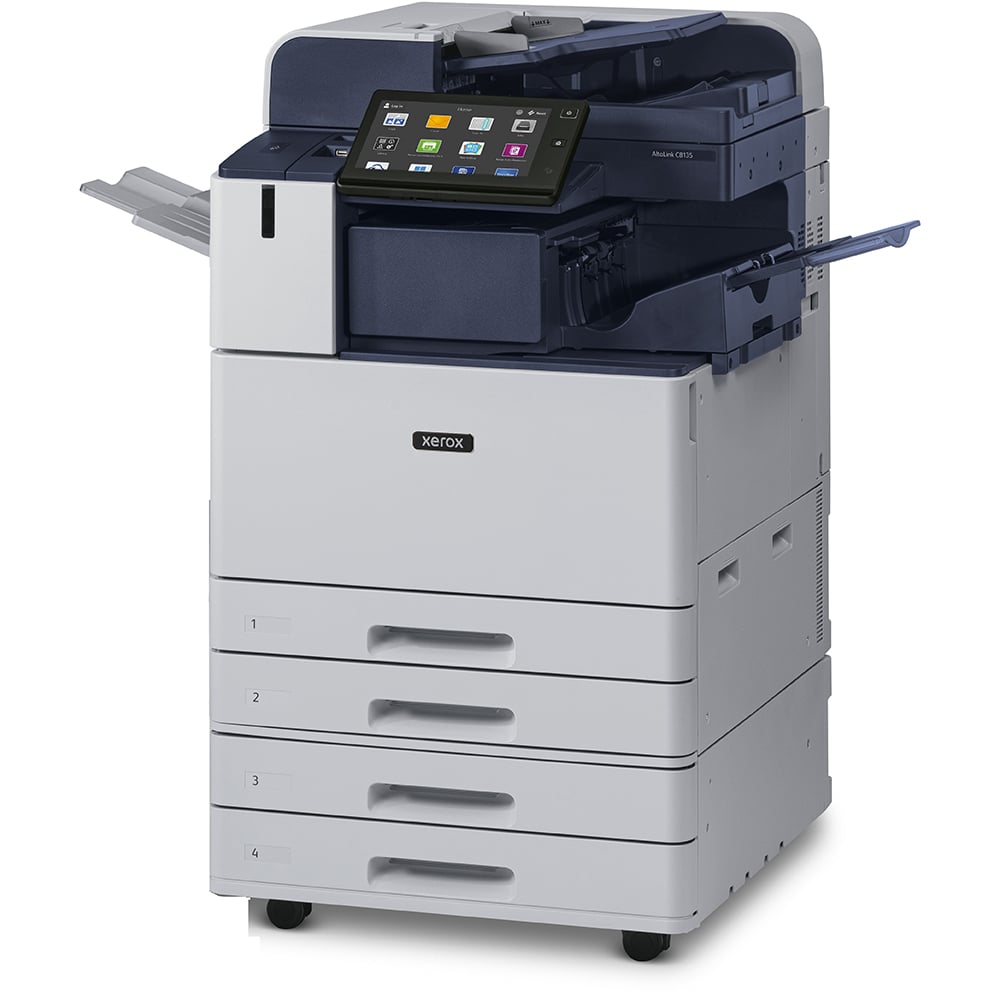
Color or Monochrome: Which Office Printer Should You Buy?
Compare color and monochrome printers using your documents, workflow, supplies, and operating costs rather than print speed alone.
By JR Copier · Maine office equipment guides
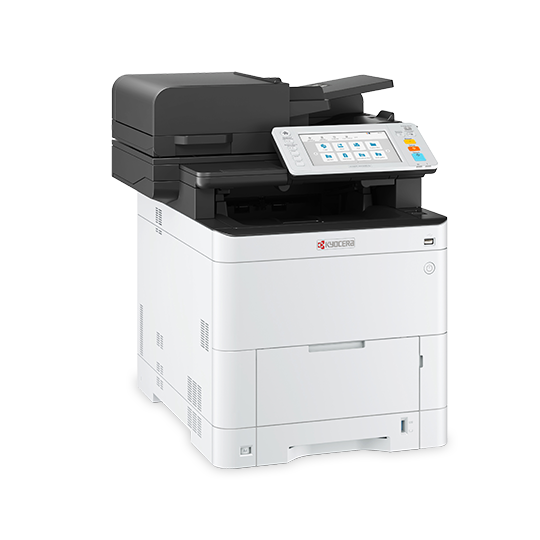
Color can make a presentation clearer, but not every invoice or internal draft needs it. The choice between color and monochrome printing should follow the documents your business produces. When exploring printers and copiers for purchase, separate essential color work from occasional preference. That distinction can lead to a more useful configuration than choosing either the cheapest device or the most feature-rich one.
Identify where color changes the result
Review customer-facing proposals, charts, training documents, and marketing materials. Some rely on color to explain information; others remain fully usable in black and white. Consider whether the office needs those color jobs immediately or can plan them ahead.
A monochrome print engine does not necessarily mean a monochrome scanner. Verify the model’s scanning capabilities separately. If your staff mainly archive documents digitally but print text, this distinction may affect the shortlist more than the device’s advertised print speed.
Compare costs using the same workload
Ask for equipment and consumable costs based on your own output mix. Color and black-and-white output may have different service rates, and supply use depends on coverage and job content. Do not assume that a standard yield figure predicts how long toner will last for image-heavy documents.
Account for occasional outsourced printing, staff time, and the risk of choosing a device unsuited to heavier media. The ownership cost guide explains how to compare these factors without reducing the decision to the purchase price alone. Avoid using generic savings claims in place of a quote.
Consider a shared or mixed setup
A shared color multifunction device can support teams needing copying, scanning, and occasional color. In another office, a monochrome workhorse plus access to a separate color device may better match the workflow. Neither layout is automatically more economical: count the equipment, supplies, support, and space involved.
Where supported, use print defaults and user permissions to reduce accidental color output. Make it easy for staff to select color deliberately for the right documents. Review a representative file during evaluation, because software and driver settings influence the output as well as the hardware.
Test before choosing
Bring real documents when comparing options. Check small text, charts, double-sided output, and the paper you intend to use. Confirm whether a proposed machine supports the media and finishing you need; an office color copier is not automatically a specialist production printer.
Use the buying checklist to record the decision and browse the equipment catalog for suitable categories. Ask JR Copier for a matched proposal based on document needs and expected usage. If preserving upfront capital is important, compare the same configuration through leasing rather than changing requirements just to reach a payment target.
Discuss your sales requirements
Share your equipment needs, Maine location, and timing. Confirm pricing, availability, and service terms in your written proposal.
Explore copier & printer sales