Using a Rental Copier While Your Office Equipment Is Repaired
Plan temporary copier capacity during repairs by prioritizing essential work, checking rental availability, and coordinating setup and return.
By JR Copier · Maine office equipment guides
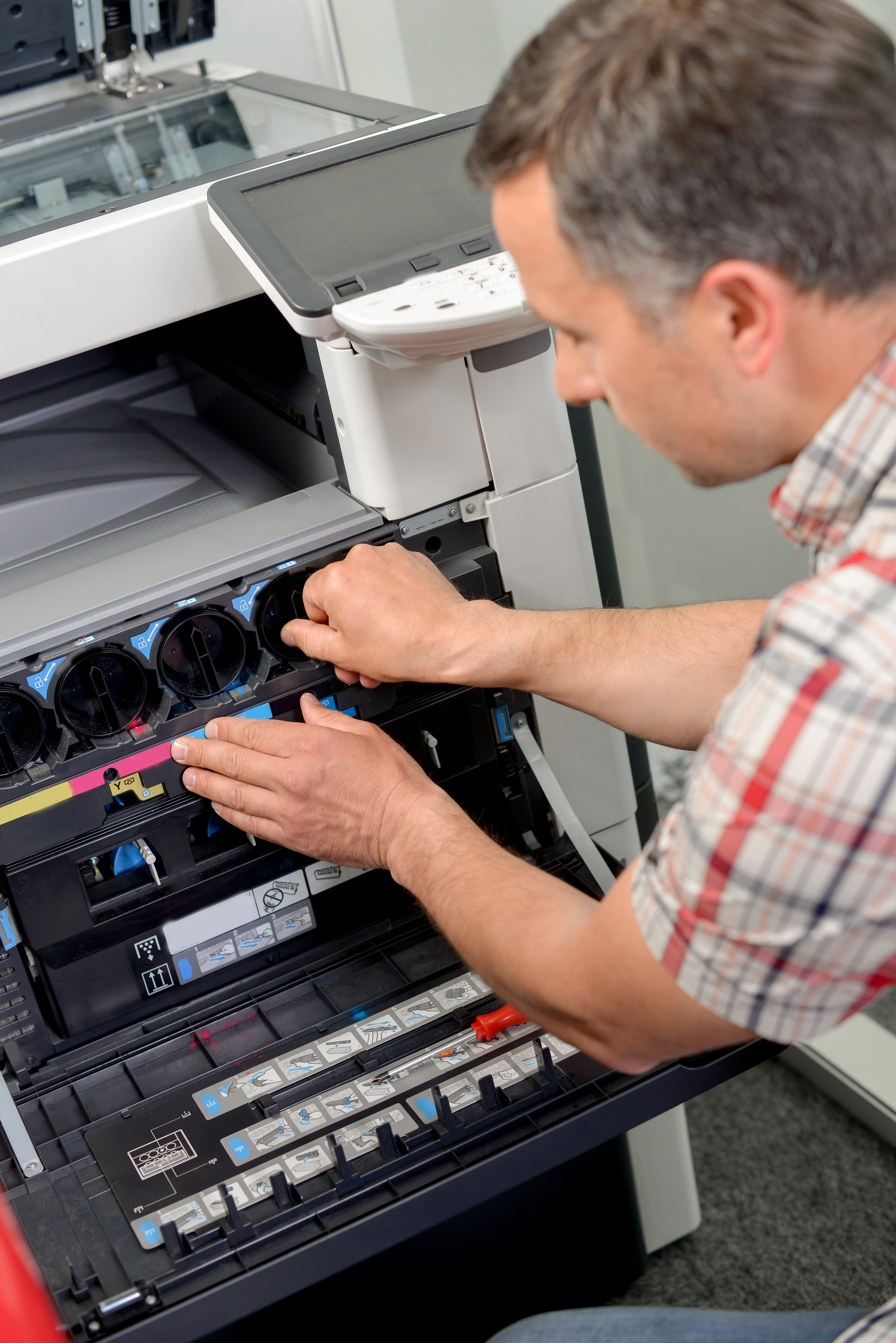
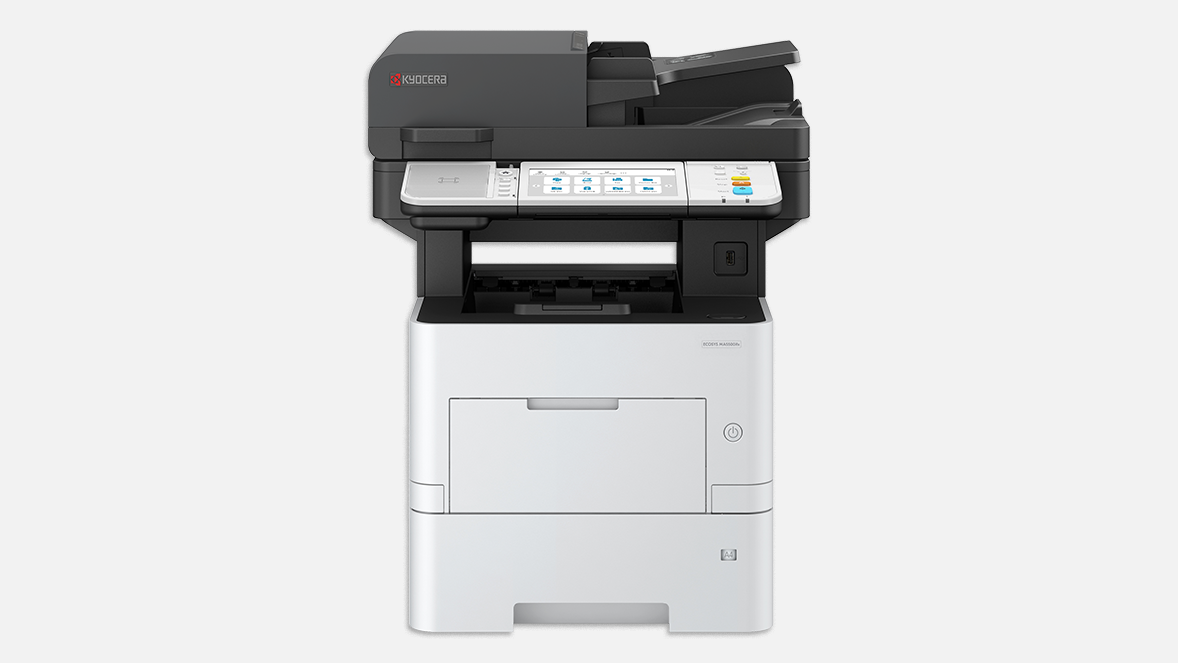
When a shared copier stops working, the first question is which tasks cannot wait. A temporary copier rental may help bridge a repair or replacement period, but it is not automatically included in a service agreement and availability must be confirmed. Treat the rental and the repair as coordinated plans, with clear responsibilities, rather than expecting a temporary machine to duplicate every feature immediately.
Triage the essential workflow
Identify urgent printing, scanning, and copying needs. Some work can move to an existing device or be distributed digitally; other jobs may depend on specific paper sizes or finishing. Prioritize the functions that keep the office operating rather than insisting on an exact replacement for every accessory.
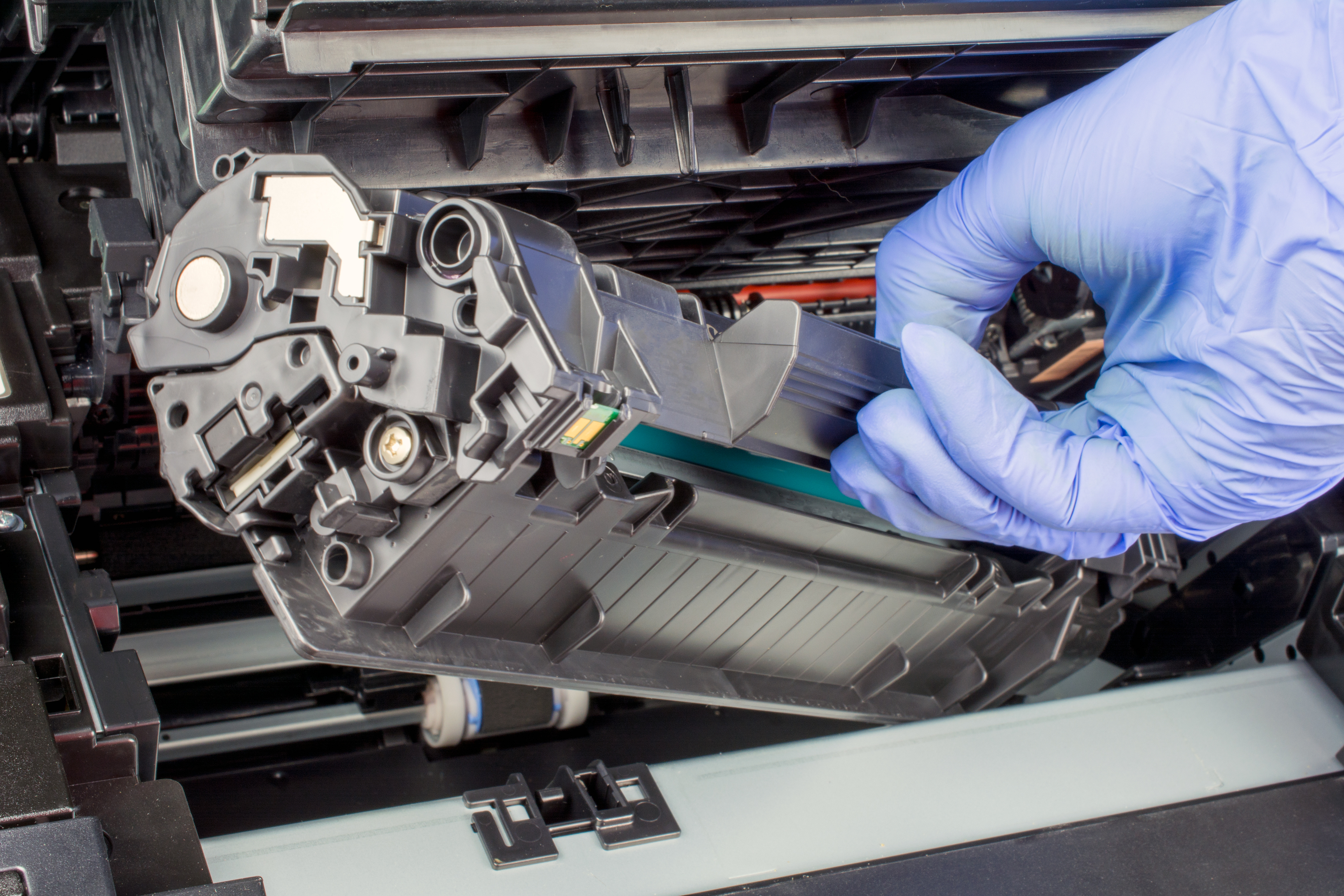
Report the fault with the model, symptoms, error messages, and any safe troubleshooting already completed. Contact copier repair and maintenance support before attempting internal repairs yourself. Follow manufacturer instructions and stop using equipment that presents an electrical, heat, or other safety concern.
Compare the expected gap with rental setup
Ask for the current repair assessment and note which uncertainties remain, such as parts availability or further diagnosis. A preliminary estimate is not a guaranteed completion date. Consider whether arranging rental delivery and configuration makes sense for the work affected.
If requesting a rental, provide the required start date and a realistic range for the duration. Confirm extension terms and the earliest available delivery rather than assuming same-day service. Our rental quote checklist helps keep equipment and logistics questions together.
Prepare a focused temporary installation
Give your IT contact the temporary model and agreed setup requirements. Confirm driver installation, network access, scanning destinations, and any security settings before staff rely on it. Use actual documents for the handover checks, especially when replacing a device with specialized workflows.
Tell staff which functions differ and where to send jobs. Keep the repair area accessible and avoid moving the faulty machine unless agreed with the provider. For a temporary location or a longer outage, the temporary office guide provides a fuller setup checklist.
Close out both arrangements deliberately
Once the original copier is repaired, test the affected workflows before arranging rental collection. Confirm the rental end date, meter readings, supplies, and any additional charges. Coordinate removal of saved documents, address books, and credentials with your IT contact and the rental provider.
Review what the outage revealed. If the original equipment no longer suits the workload, compare replacement equipment with continued repair using actual condition and costs—not just the inconvenience of one fault. A backup plan should reflect business priorities and available options, without promising that any single device or agreement can eliminate downtime.
Discuss your rentals requirements
Share your equipment needs, Maine location, and timing. Confirm pricing, availability, and service terms in your written proposal.
Explore copier & printer rentals